ViralSpin Academy
Related Reading
Start a fresh chat every 15–20 messages. This single habit cuts your credit burn in half without changing anything else you do.
Model Cheat Sheet
How to Never Hit
Claude's Usage Limit Again
 AITechDad
•
Updated April 2026
•
8 min read
AITechDad
•
Updated April 2026
•
8 min read
You hit the limit. Again.
Mid-flow. Right when you needed it most.
It's not bad luck — it's bad habits.
Claude runs on a rolling 5-hour credit window. Every message, every attachment, every tool you leave on costs credits you can't get back until the clock resets.
These 8 tactics will stop the bleeding — starting today.
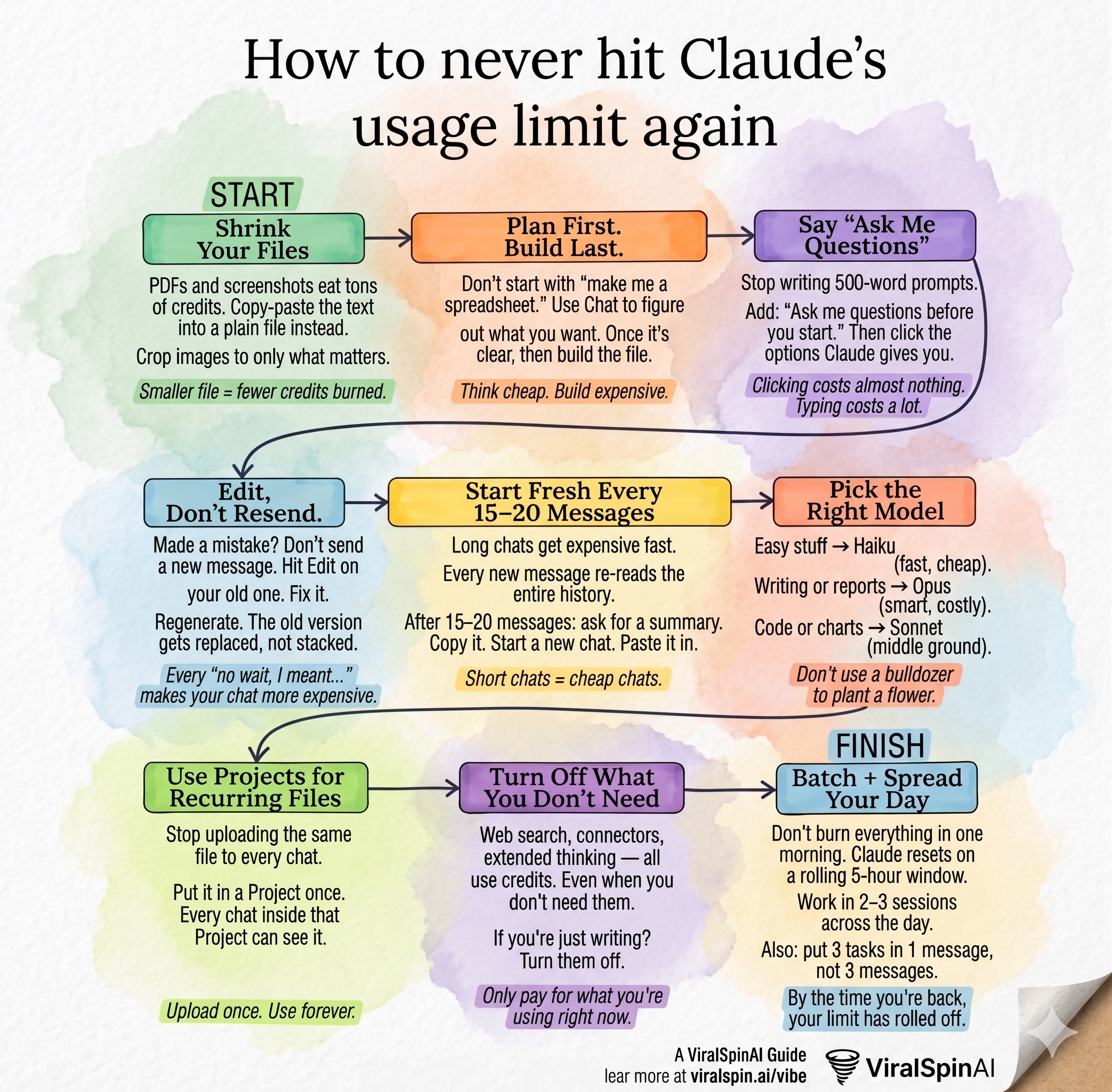
Save this cheat sheet — the full breakdown is below.
0. Avoid the "Surge Pricing" Hours
Claude's usage limits are dynamic and behave a lot like Uber surge pricing. Between 8am and 5pm, millions of professionals are hitting Claude's servers simultaneously. During these peak hours, the limits are automatically tightened to manage the extreme load.
If you want to stretch your usage further, work outside of these peak active hours. Using Claude in the early morning, late evening, or on weekends means you're competing with a fraction of the users. The system gives you a looser cap, meaning off-hours are vastly less "costly" on your rolling limit. You get significantly more mileage and can work uninterrupted, making you much more time-efficient when the servers aren't bogged down.
An identical series of prompts at 11am on a Tuesday might max out your credits fast, whereas running those same prompts at 8pm might let you flow without a limit warning for hours.
1. Shrink Your Files Before You Upload
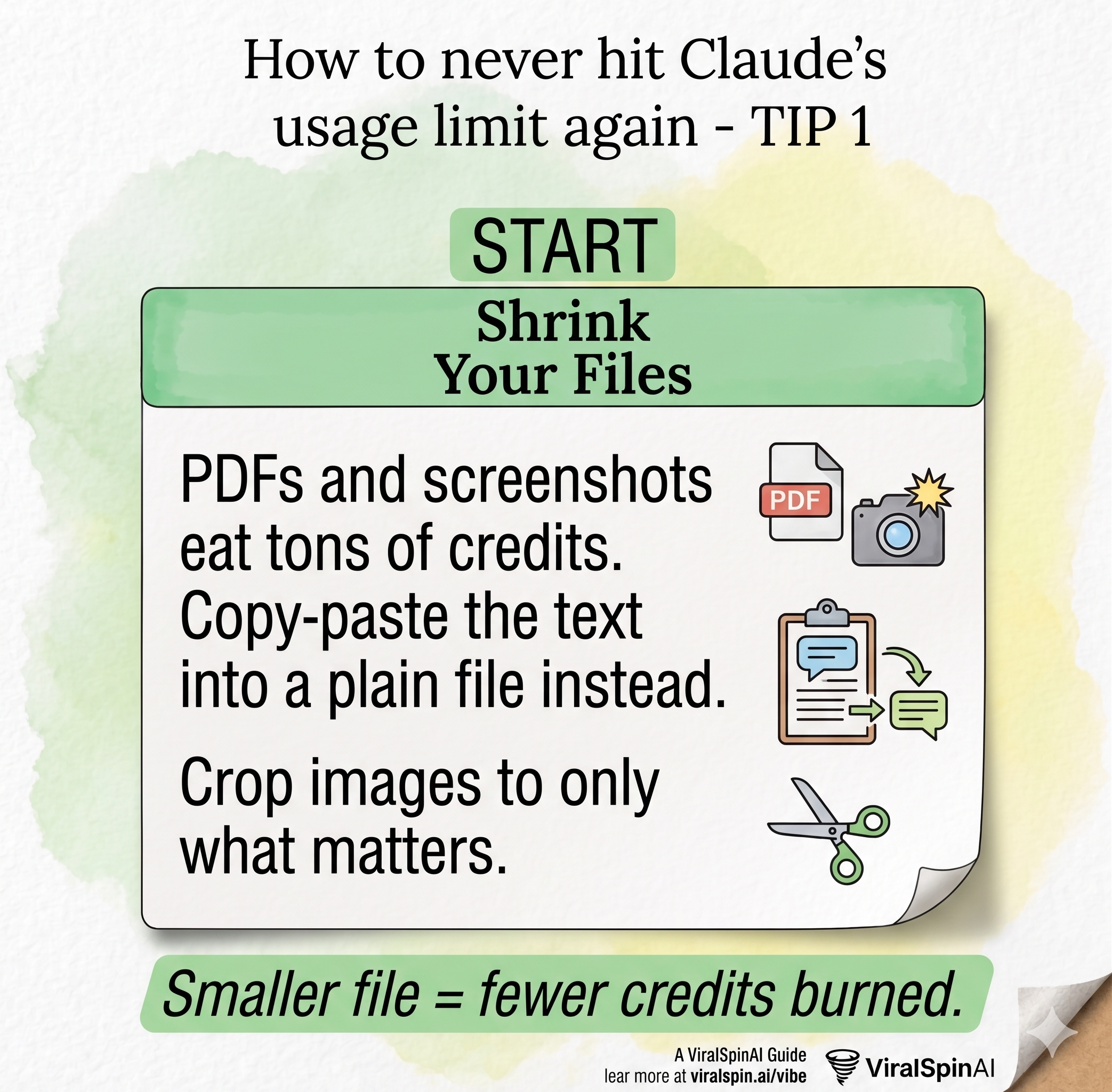
Every file you send to Claude gets tokenized — converted into the raw data Claude reads. PDFs and screenshots are the worst offenders. A 10-page PDF can cost as many credits as several typed conversations. A screenshot of a chart? Worse than you think.
The fix is simple: copy the actual text out and paste it in plain format. If you're sharing a chart, describe the key numbers in a few sentences instead. If you're sharing a long PDF, paste only the section that's relevant to your question.
- Copy text from PDFs instead of uploading the file
- Crop screenshots to just the element you're asking about
- Summarize documents before sharing rather than sending the full file
- Use plain
.txtfiles instead of Word docs when possible
Smaller input = fewer credits burned. A 200-word description of a screenshot costs a fraction of the screenshot itself.
2. Plan First. Build Last.
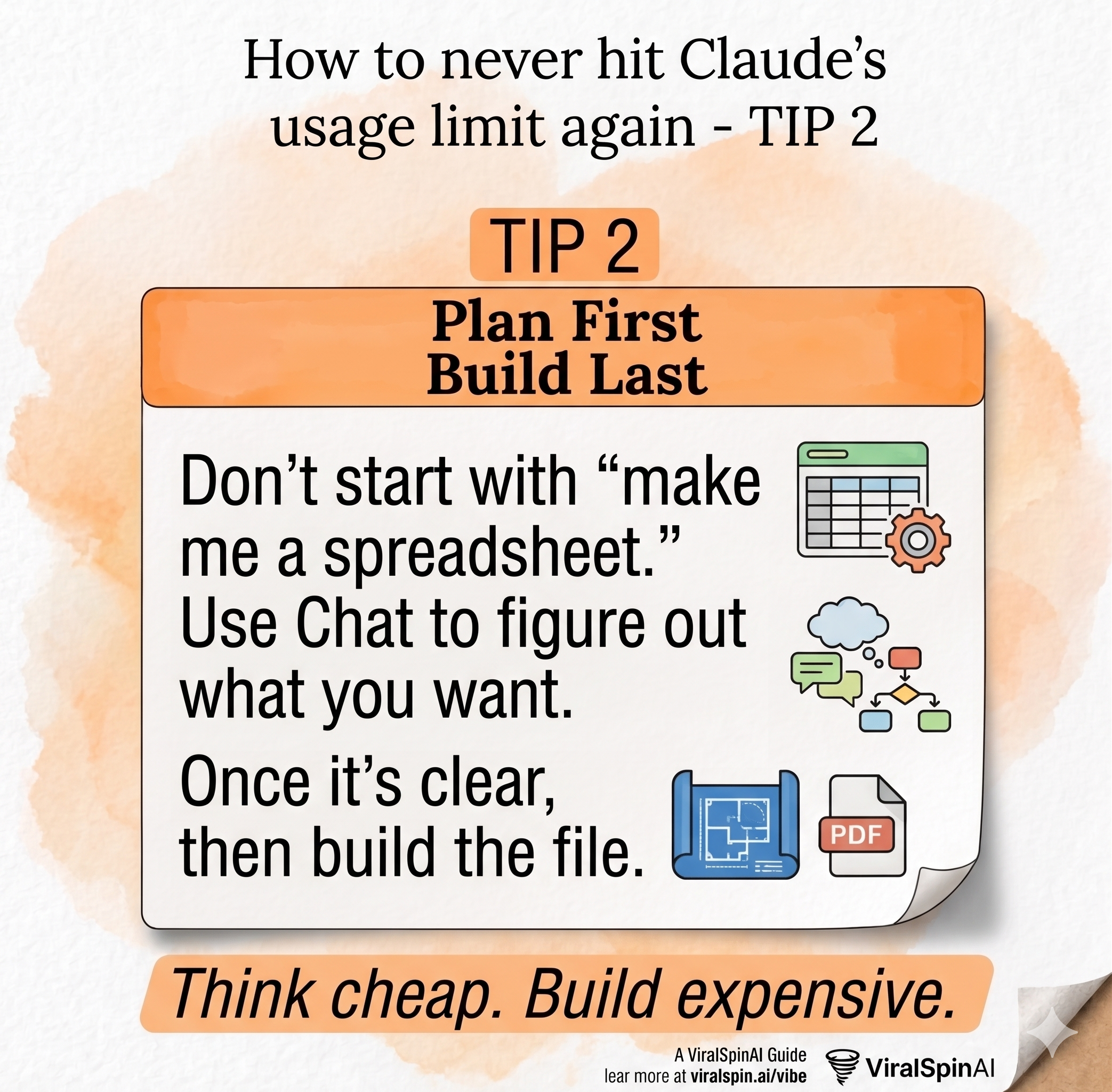
The most expensive Claude sessions aren't the ones where you build complex things — they're the ones where you keep changing direction mid-build. Every new message re-reads the full conversation history. The longer and more scattered the chat, the faster credits drain.
The smarter approach: use Claude in two phases. First, have a cheap planning conversation where you clarify what you actually want. Ask questions, explore options, refine the scope. Then, in a fresh chat, give Claude the cleaner, tighter brief and let it build.
Before we build anything, I want to think this through.
I'm trying to [describe goal].
Ask me 3–5 clarifying questions so we can nail down
exactly what I need before you write a single line of code.
This one shift — plan first, build second — will cut your average session length dramatically.
3. Say "Ask Me Questions" Instead of Writing Long Prompts
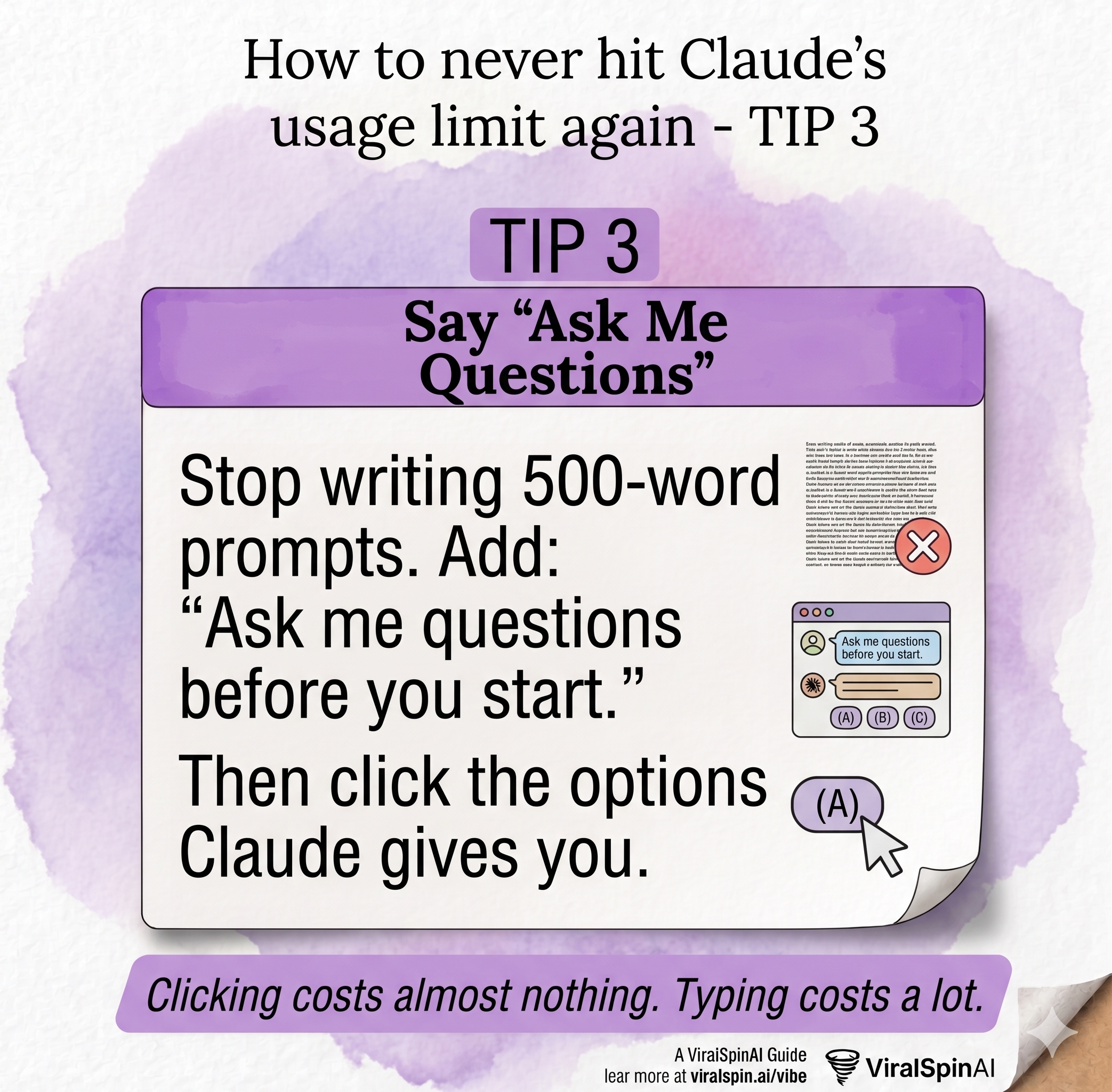
Long prompts feel thorough. They're not. A 500-word prompt that still leaves Claude guessing forces it to make assumptions — and then you spend 10 more messages correcting them.
Clicking an option costs almost nothing. Typing a correction costs a lot.
Instead, end your prompts with: "Ask me any questions you need before you start." Claude will surface the 2–3 ambiguities that would have caused problems. You click or type a short answer. Then it executes cleanly on the first try.
4. Edit, Don't Resend
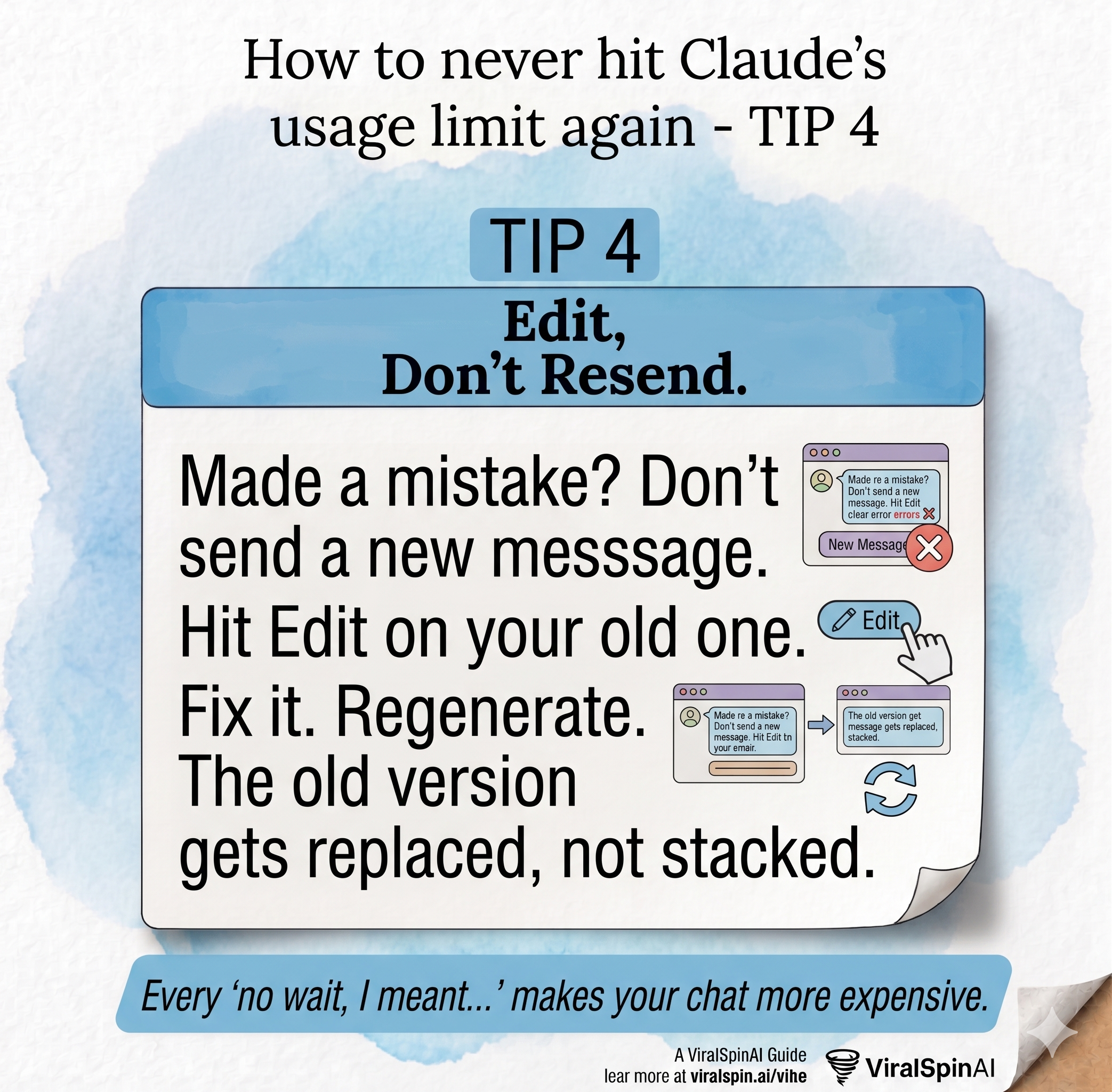
This is the most underused feature in Claude's interface — and one of the highest-leverage habits you can build.
When you send a message and realize you made a mistake, the instinct is to send a follow-up: "Actually, I meant..." or "Wait, ignore that — instead..." Every follow-up adds to the conversation history. Claude re-reads all of it on every turn.
Instead: hit Edit on your original message. Correct it. Regenerate. The conversation stays the same length, Claude doesn't have to process the dead-end branch, and you get a cleaner result.
- Spotted a typo right after sending? Edit, don't re-explain
- Gave Claude the wrong context? Edit the original, not a new message
- Want to try a different approach to the same task? Edit and regenerate
Every "no wait, I meant..." message is a credit tax. You're paying twice — once for the wrong response and once for the correction. Edit instead.
5. Start Fresh Every 15–20 Messages
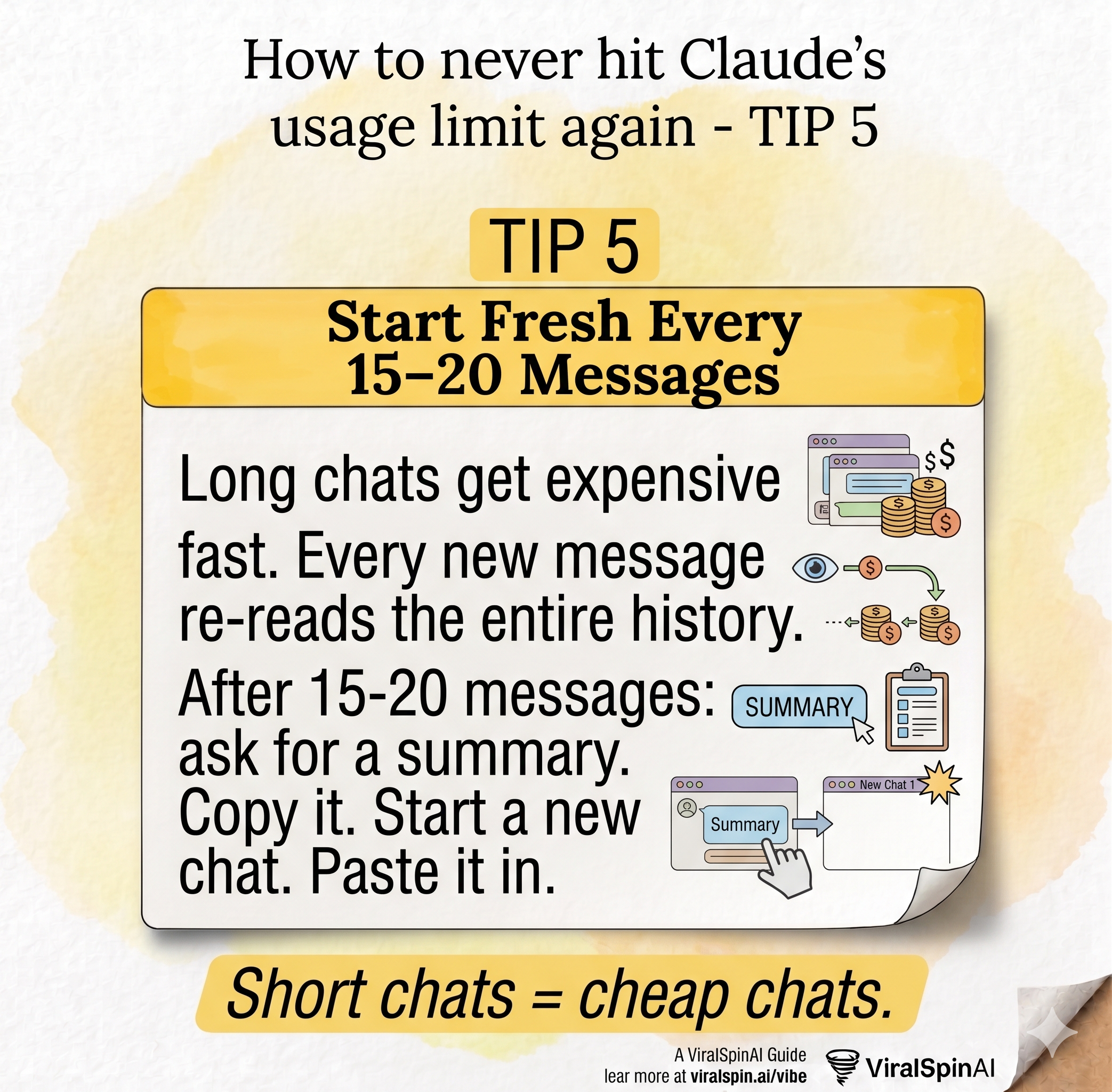
This is the one that surprises people the most. Claude doesn't just read your latest message — it re-reads the entire conversation history on every single turn. A 40-message chat costs roughly twice as much per response as a 20-message chat, even if the messages are the same length.
The fix: treat conversations like sprints, not marathons. When you hit 15–20 messages, do this:
- Ask Claude: "Summarize what we've built/decided so far in a few bullet points."
- Copy that summary.
- Start a new chat.
- Paste the summary at the top as context.
- Continue exactly where you left off.
Short chats = cheap chats. A 10-message session costs a fraction of a 50-message one, even for the same total work. Batch your tasks into tight, focused conversations.
6. Pick the Right Model for the Job
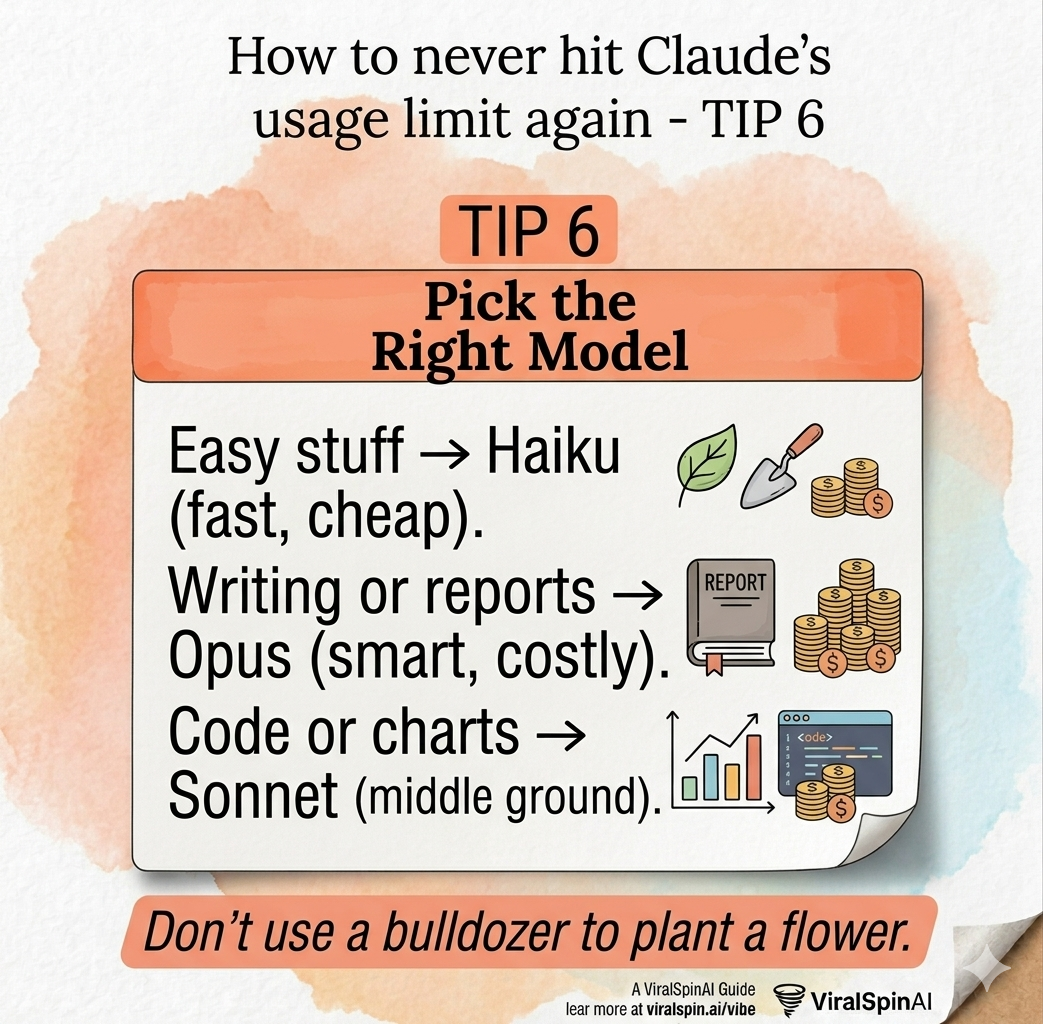
Claude isn't one thing — it's a family of models at very different price points. Using Opus to write a subject line is like using a freight truck to pick up coffee. Using Haiku to architect a product strategy is like using a bicycle to move furniture.
Match the model to the task:
Haiku — Fast & Cheap
Simple Q&A, quick rewrites, brainstorming, summarizing short text, answering factual questions. When speed matters more than depth.
Sonnet — The Middle Ground
Code generation, data analysis, structured writing, building things. The best default for most creative and technical work.
Opus — Deep Reasoning
Complex strategy, nuanced writing, difficult reasoning, high-stakes decisions. Use it deliberately, not by default.
7. Use Projects for Recurring Files
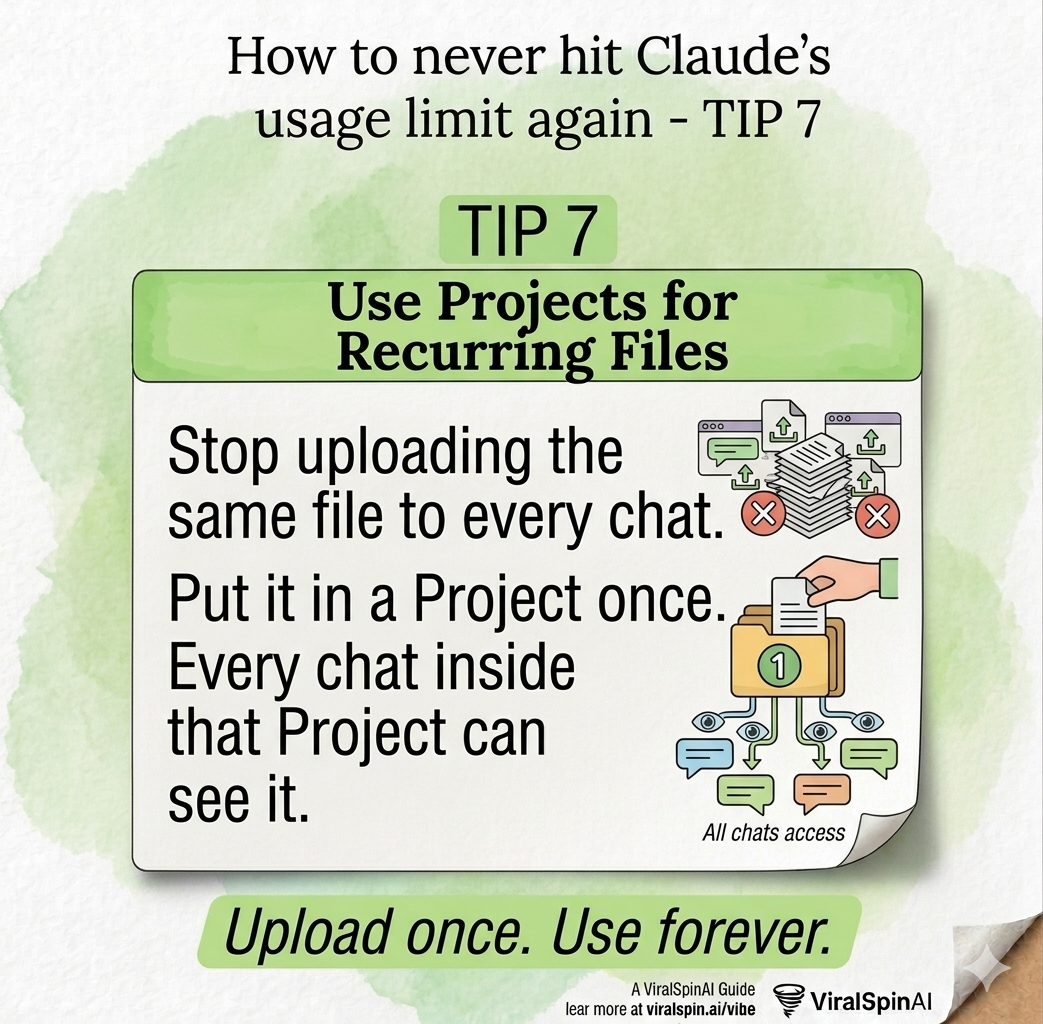
If you're uploading the same PDF, style guide, or context document every time you start a new chat — you're burning credits on a problem that was already solved.
Claude Projects let you store files, instructions, and context that persist across every conversation inside that project. Upload it once. Every chat in that project automatically has access to it — no re-upload, no re-tokenization cost on your end, no repetition.
- Put your brand voice guide in a project — stop pasting it every session
- Store your codebase context or README for dev work
- Keep your product spec, client brief, or content calendar as a project file
- Set standing instructions ("Always respond in bullet points", "Use British spelling") as the project system prompt
Create a separate Claude Project for each client, each product, or each recurring workflow. The upfront setup takes 5 minutes and pays back on every single session after that.
8. Turn Off What You Don't Need
Claude has powerful built-in tools — web search, extended thinking, code execution, and more. They're all excellent. They also all cost additional credits, even when they're not doing anything useful for your specific task.
Check your tool settings before each session and turn off anything you won't be using:
- Web search: Off unless you need current information
- Extended thinking: Off unless you're working through a genuinely complex problem
- Code execution: Off unless you're running or testing code
- Connectors (Google Drive, etc.): Off unless actively needed
Bonus: Batch Tasks and Spread Your Day
Claude's usage limit isn't a daily cap — it's a rolling 5-hour window. That means if you burn through your credits at 9am, they start refreshing by 2pm. You don't have to wait until midnight.
Work with that reset cycle, not against it:
- Plan your heaviest Claude work in 2–3 focused sessions across the day
- Batch 3 related tasks into a single message instead of 3 separate messages
- If you hit a limit, switch to lighter tasks or step away — your credits will roll back faster than you expect
By the time you've had lunch and come back to your desk, a significant portion of your limit has already rolled off. You're never as stuck as it feels in the moment.
The Bottom Line
None of these tactics require you to use Claude less. They require you to use it smarter. Shrink your inputs. Plan before you build. Start fresh chats before they get bloated. Pick the right model. Turn off what you don't need.
Do all eight, and you'll likely never hit the limit again — not because you're doing less work, but because you're getting the same work done in a fraction of the credits.
The best Claude session isn't the longest one. It's the one that produces the most with the least.