Stop Prompting
Like a Human.
 AITechDad
•
12 MIN READ
•
ADVANCED DIRECTOR NODE
AITechDad
•
12 MIN READ
•
ADVANCED DIRECTOR NODE
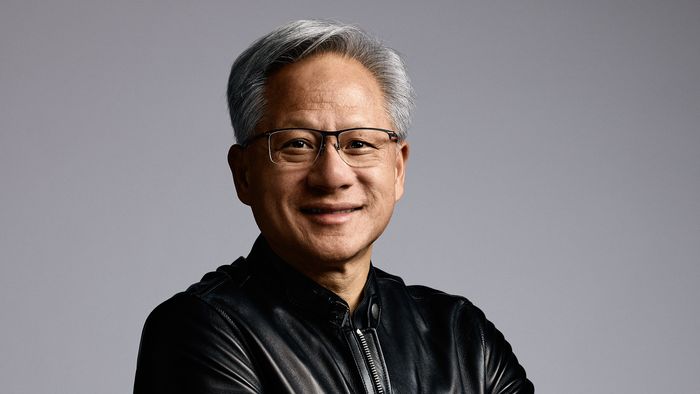
English is the new
programming language.
— JENSEN HUANG, CEO NVIDIA
AITechDad's Take
"Jensen is 100% correct—Natural Language is the Interface. But your Artistic Vocabulary is the Edge. When we say 'Stop Prompting Like a Human,' we mean stop being vague. Professionals use the precise logic of Cinematography to command the world-simulator."
The Interface vs. The Logic
"I saw Sora and Veo producing stunning shots with simple prompts like 'a woman walking in Tokyo,' and I thought: The age of the technical prompter is over. The AI is too smart for us now."
That’s the trap. If you're an average creator, natural language is a shortcut to "good enough." But in a world where everyone has a "cinematic" button, "good enough" is a death sentence for your brand.
We agree with Jensen: English is the new code. But "Prompting Like a Human" usually means being vague and abstract. We teach you to "Prompt Like a Director"—using the precise vocabulary of the craft (Lenses, Lighting Ratios) to get what you want on the first try.
But here's the reality: Raw beauty has become a commodity. When everyone has access to a "cinematic" button, "cinematic" ceases to be a competitive advantage. It becomes the floor.
The real battle in 2026 isn't about getting a "good" shot. It's about Intentionality and Continuity. If you can't control why a shot looks the way it does, and you can't replicate that look across a dozen different camera angles, you don't have a brand—you just have a collection of random AI accidents.
The Masterclass Shift
The Truth About AI Physics
Sora and Veo are "World Simulators." They have learned the physics of light, water, and skin from petabytes of data. They know how a lens works. But they don't know The Story. They don't know that a Dutch Angle creates unease, or that a 1.2:1 lighting ratio feels like a sitcom while an 8:1 feels like a thriller.
We are moving from an era of Generic Results to an era of Systemic Control.
Advanced features like Extend and Image Reference are the engine, but they need a high-octane "Blueprint" to function at 100% quality.
The DNA Anchor: Building the "Seed" Photo
To use the "Image Reference" feature effectively (the secret to keeping your character and environment consistent), you first need a perfect Starting Photo.
This is where cinematography knowledge is your unfair advantage. If you prompt like a human ("a cool futuristic woman"), the AI gives you its "average" version of cinematic. If you prompt like a Cinematographer, you build a Blueprint.
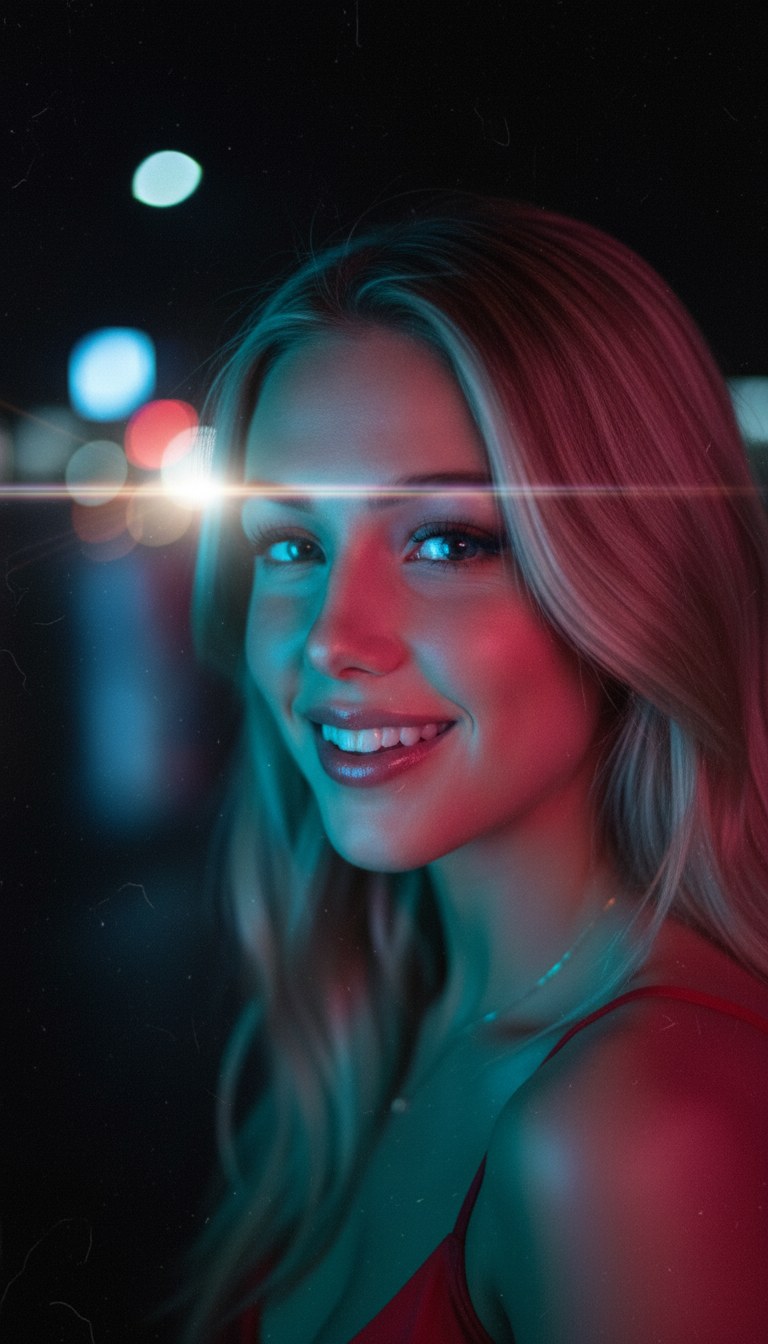
The precision of 45-degree magenta rim lights. This isn't accidental; it's a setting.
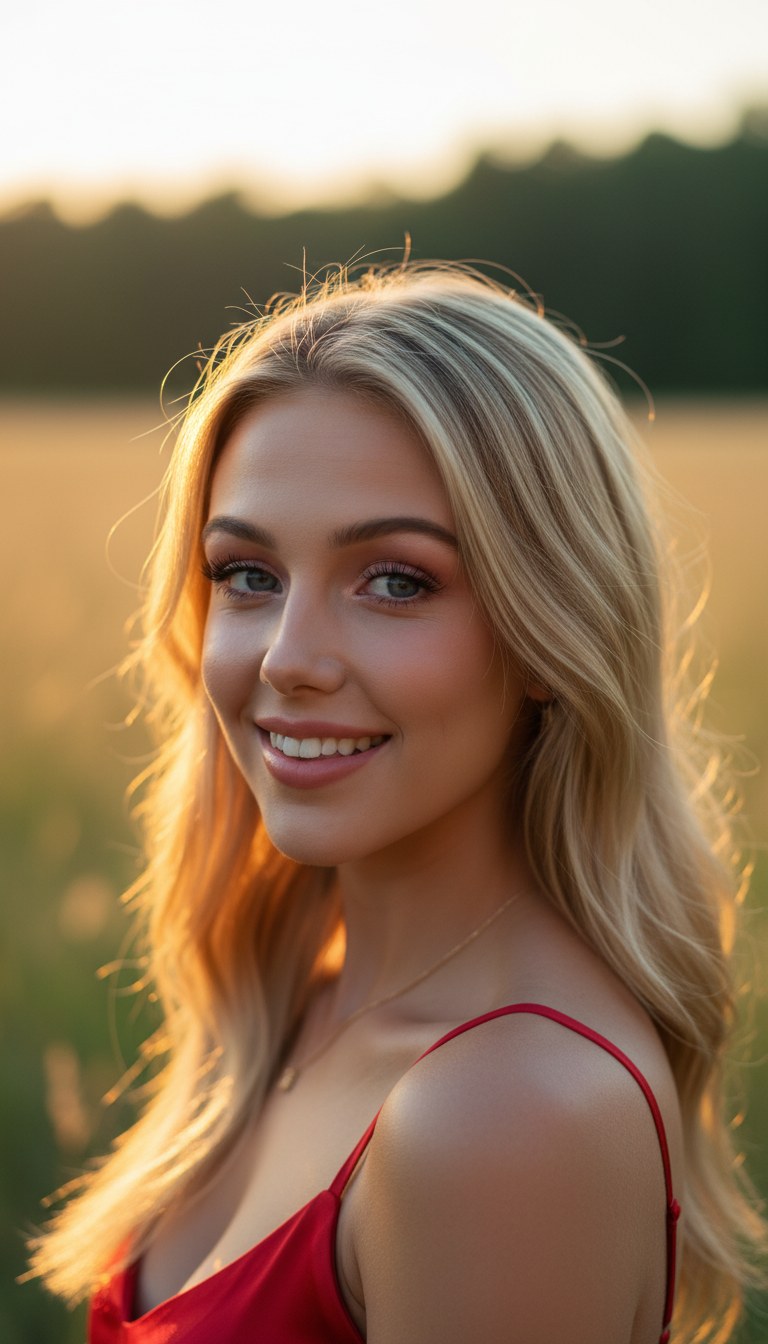
Locking the AI into a specific f/1.8 bokeh and teal-orange grade.
By setting these "Physics Parameters" in your initial image generation, you create a Style DNA that the video model can't drift away from. You aren't just getting a "good shot"; you're setting the rules for the entire production.
The "Screenshot Reset": Beating the Blur
If you've used the Extend feature in Sora or Veo, you've seen it: after 3 or 4 extensions (about 20-30 seconds of video), the quality starts to melt. Transitions get jittery, textures get "mushy," and the character starts to drift.
Why? Because AI models have a Context Window. As the video gets longer, the model's memory of the original "Seed" image fades. It starts guessing based on the last few frames, and those guesses compound into errors.
Pro Workflow: The Quality Anchor
Generate & Extend
Extend your first clip until you see the first sign of quality loss (usually extension #3).
The Screenshot Reset
Don't extend again. Instead, take a high-resolution screenshot of the very last frame of that clip.
Start a New Branch
Start a New Generation using that screenshot as your Image Reference. Paste your original "Blueprint" prompt (The DNA Anchor) to lock the settings back to 100%.
This strategy allows you to produce 2-minute or 5-minute videos that stay razor-sharp from start to finish. You are "stitching" high-quality generations together using screenshots as the bridge.
Get the Visual DNA Prompt Pack
Download our free guide including 5 Cinematic Lighting Prompts and the 2026 Software Stack used by elite creators.
The Director's Cut: Creative Camera Cuts
"Extend" is like keeping the camera rolling on a single actor. But movies aren't made of one long take. They are made of Cuts.
If you want to cut from a Close-Up of your character to a Wide Shot of the futuristic city they are in, "Extend" won't save you. The AI doesn't know where the "rest of the city" is unless you tell it.
Cinematography logic is the bridge between these shots.
-
Shot 01: The Portrait (The Close-Up)
"85mm prime lens, f/1.8, shallow DOF, focus on eyes."
-
Shot 02: The Context (The Wide Shot)
"24mm wide-angle lens, f/8, deep focus, expansive foreground/background detail."
By knowing the difference between an 85mm and a 24mm lens, you can manually "direct" the AI to build the rest of your world. You use your Reference Image to keep the character consistent, and your Lens Prompts to move the virtual camera. This is the difference between a "home movie" and a "Cinematic Brand."
Ready to Own the System?
The "Cinematic Edge" is just one node in the ViralSpin Authority Stack. If you want the full Blueprint, join 12,000+ creators dominating the AI economy.
Secure the Full System Now